Installation#
Pyrobopath can be installed as a standalone Python package. A ROS package is available if you plan to use ROS to execute Pyrobopath schedules.
Step 1: Installing the Python Package#
The Python package can be installed locally or via the PyPI package index.
Using pip#
Install pyrobopath from the PyPI package index.
pip install pyrobopath
Local installation#
To install the python package locally from source, clone the repository and install with pip.
git clone git@github.com:alexarbogast/pyrobopath.git
cd pyrobopath
pip install -e .
If you would like to run the tests or build the docs locally.
pip install -e .[dev,docs]
To verify the installation, run tests with pytest or unittest
pytest # pytest
python3 -m unittest # unittest
If you plan to only use the Python package provided by Pyrobopath, you can stop here and skip the following steps installing the ROS dependencies.
Step 2: Installing ROS Package#
Create a catkin workspace
mkdir -p pyrobopath_ws/src && cd pyrobopath_ws/src
The Pyrobopath ROS interface depends on the cartesian_planning package for executing toolpath schedules.
To use the package, clone the alexarbogast/cartesian_planning and alexarbogast/pyrobopath_ros repositories into your catkin workspace and build the packages.
git clone git@github.com:alexarbogast/cartesian_planning.git
git clone git@github.com:alexarbogast/pyrobopath_ros.git
cd ../
catkin build
Step 3: Multi-robot system packages#
Specific robot and multi-robot system layouts ( urdf, ros_control, and parameter files) are required by cartesian_planning and pyrobopath _ros.
Note
Pyrobopath is configured to work with system configurations similar to the one pictured below.
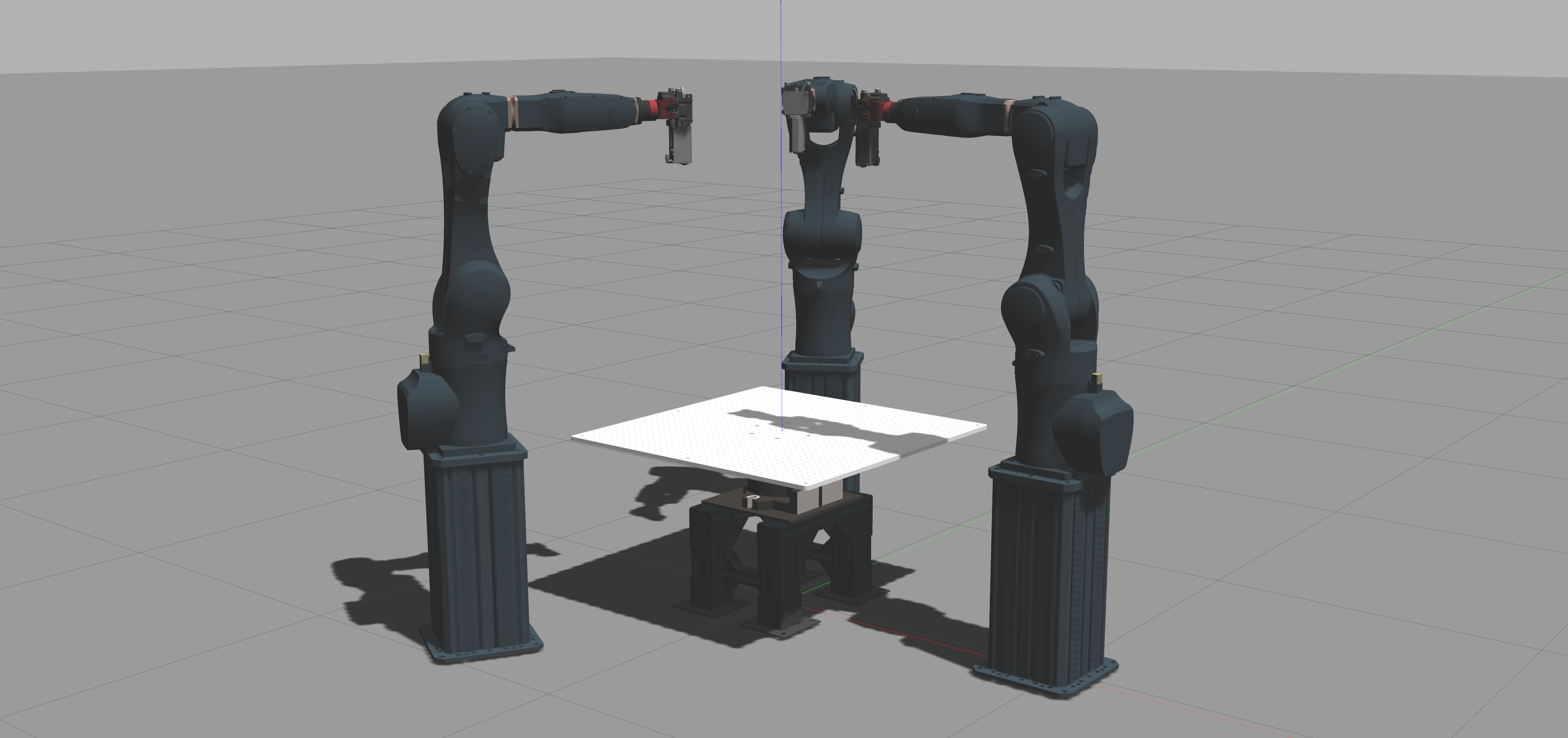
hydra_ros#
See the examples below for reference when creating a system: